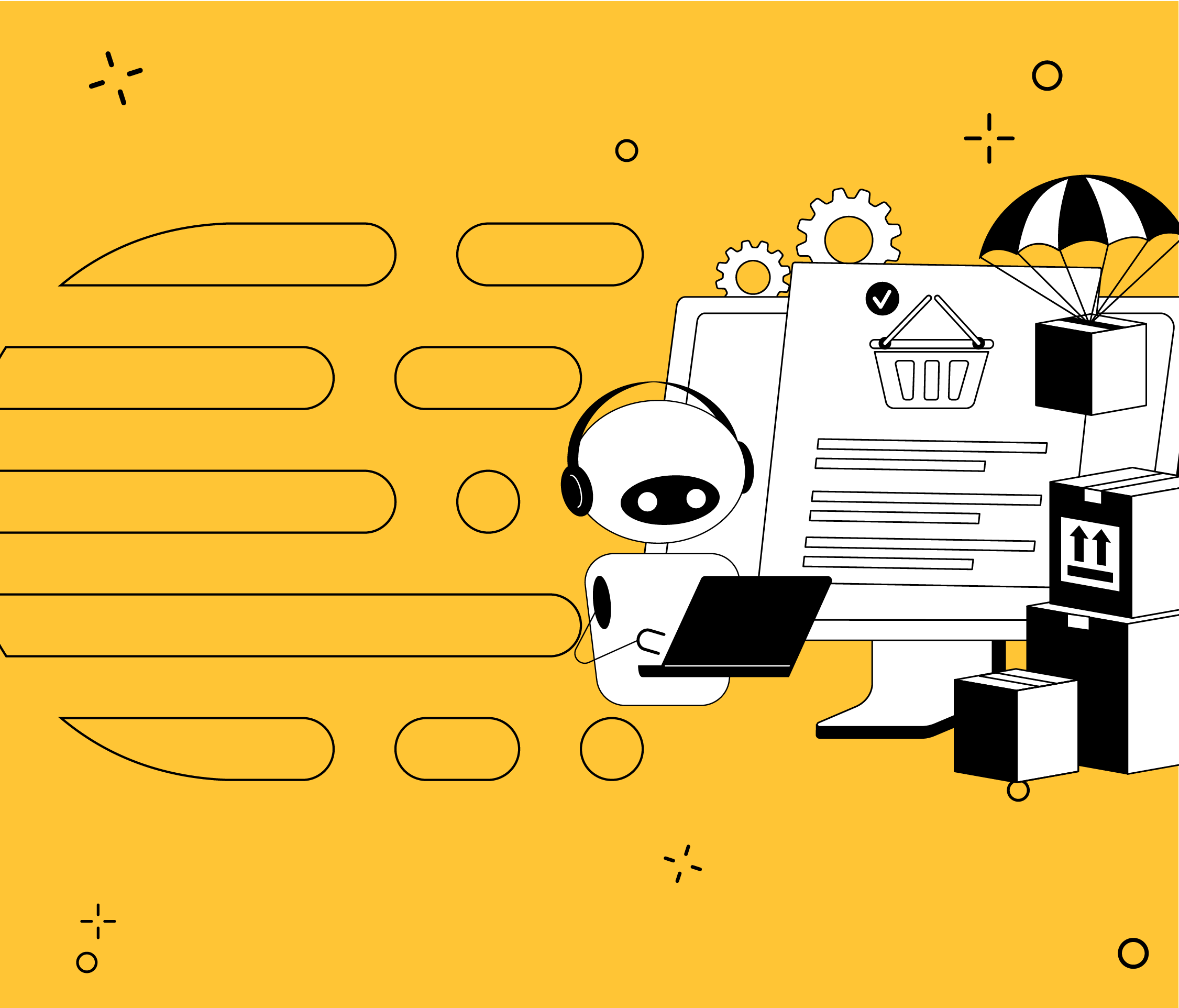



A PIM (Product Information Management) system centralizes product information in a single source of truth. It brings together the attributes, descriptions, and images coming from the ERP and from each supplier. With artificial intelligence, it also validates and enriches that data before publishing it across all sales channels. That’s why, in multichannel retail, it’s no longer just an IT tool. Today, it’s a key piece of innovation and business strategy.
The reason is simple: when product information fails, the sale fails too. A 2025 Syndigo survey of more than 8,500 consumers across six countries makes this clear. 75% said they form a negative opinion of a brand when product information is incomplete or incorrect. In addition, 44% said they had abandoned a purchase due to missing information. And in multichannel retail, every channel adds one more opportunity for that information to fail.
In this Crombie article, you’ll learn why product information becomes scattered. You’ll also discover how to centralize it step by step and what AI brings to each stage. Finally, you’ll find a simple way to estimate how much not doing it is costing you today.
Why Does Product Information End Up Scattered Across Suppliers and Systems?
Product information becomes scattered because each source generates it with its own format and criteria. The ERP stores operational data, suppliers send different spreadsheets, and each channel requires its own structure. Without a single source of truth, each team ends up maintaining its own version of the catalog.
In multichannel retail, the same product listing often lives in several places at once:
- the ERP, with codes, costs, and tax data;
- the spreadsheets each supplier sends, each with its own columns;
- PDFs, catalogs, and emails with technical specifications;
- the dashboard of each channel: your own online store, Mercado Libre, or bank-owned online stores.
As a result, the same product can have different names, measurements, or images depending on where it’s published. And that inconsistency has a commercial cost, since a large share of customers abandon a purchase because product information doesn’t match across channels.
What’s more, the problem grows with the catalog. Retailers with many SKUs and high turnover, such as fashion, consumer electronics, or home goods, feel it the most. Especially when they launch seasonal collections and each launch requires uploading dozens of product listings by hand.
What Is a PIM and What Product Information Does It Centralize?
A PIM system is the platform where the official version of each product lives. Instead of fixing the same listing on every channel, the team edits it just once. The PIM then distributes that updated information to all connected channels.
Data type | Examples | Does it live in the PIM? |
Identification | Internal SKU, GTIN or EAN code, brand | Yes |
Description | Name, short description, and long description | Yes |
Technical attributes | Dimensions, weight, materials, sizes | Yes |
Digital content | Images, videos, manuals | Yes, or in a connected digital asset management system |
Classification | Category, taxonomy, channel-specific tags | Yes |
Operational data | Stock, cost, sale price | Generally not: it lives in the ERP or the order management system |
The last row of the table is the one that causes the most confusion. In general, a PIM doesn’t replace the system that manages stock or pricing. Instead, it integrates with it so that each channel receives complete product information. To learn more about syncing stock and pricing across channels, check out our article on omnichannel ecommerce.
PIM vs. ERP: Master Data, Supplier Data, and Commercial Data
The difference between a PIM and an ERP lies in the type of data each one manages. The ERP manages operations: purchasing, stock, invoicing, and costs. The PIM, on the other hand, manages how each product is described and presented. That’s why the two systems complement each other rather than compete.
To organize that relationship, it helps to separate three types of data:
Data type | What it includes | Where it usually lives |
Product master data | GTIN, brand, description, dimensions, images, category | PIM |
Supplier data | Supplier code, cost, lead time, available stock | ERP or purchasing system |
Proprietary commercial data | Internal SKU, sale price, margin, channel-specific content | ERP for pricing and PIM for content |
Separating these three types of data prevents a common problem. For example, a supplier updates its cost and accidentally overwrites the product’s commercial description. In fact, separating master data is the foundation of any master data management (MDM) strategy.
How Do You Centralize Product Information from Different Suppliers?
To centralize product information from different suppliers, start by defining a common product model. Then, each supplier’s format is translated into that model, each product is identified, and its quality is validated. Only then does the information move into the central catalog.
Suppliers → ingestion → normalization and validation → PIM → sales channels
Define a Common Product Model
The common model defines which attributes each category has and how they’re named. For example, a refrigerator needs capacity and energy efficiency, while a T-shirt needs size and material. The rule is simple: each supplier adapts to your model, not the other way around.

Map Each Supplier’s Format
Each supplier names its columns its own way. One sends “CODE” and “DESCRIPTION”; another, “SKU” and “PRODUCT_NAME.” Mapping translates those columns into the attributes of the common model. This way, adding a new supplier means setting up a mapping, not rebuilding the system. In addition, ingestion can be automated based on each supplier’s format: spreadsheet, API, portal, or feed. If you’d like to dive deeper into this process, you can read our article on data normalization.
Separate the Product from Each Supplier’s Offer
The same product can come in through several suppliers. If each one creates a new listing, the catalog fills up with duplicates. That’s why, in the supplier catalog, each product should exist only once. Each supplier’s offer, with its cost and lead time, is linked to that single listing.
Identify Products with GTIN or EAN Codes
The GTIN, known in Argentina as the EAN code, uniquely identifies a product worldwide. GS1 Argentina is the organization that manages these codes in the country. However, it isn’t always enough: some suppliers don’t provide it or enter it incorrectly. That’s why it’s a good idea to add cascading matching rules:
- GTIN match;
- supplier code plus supplier ID;
- brand and model;
- name and key attributes;
- manual review for uncertain cases.
Validate Quality Before Publishing
Every product should go through automated validations before entering the catalog. For example: Does it have a valid GTIN? Does it have a category? Do the dimensions use the correct unit? GS1 US defines product data quality as information that is consistent, complete, accurate, standardized, and time-stamped. Records that don’t pass the rules go to a review queue instead of contaminating the catalog.
Leverage GS1 Standards
For companies with many suppliers, GS1 standards can eliminate much of the integration work. GS1’s GDSN network, for example, allows suppliers to publish standardized product data. Buyers, in turn, subscribe to that data and receive its updates.
The Role of AI in Product Catalog Management
Artificial intelligence automates the most repetitive tasks in catalog management. For example, it extracts data from documents, normalizes attributes, detects duplicates, and enriches descriptions. How much autonomy to give it is a business decision. For example, AI can be implemented under human review and expanded as results justify it.
Data Extraction from PDFs, Spreadsheets, and Emails
Many suppliers send specifications in unstructured formats. An AI agent can read those documents and extract the attributes required by the common model. This way, the team reviews data that’s already been entered, instead of typing it from scratch.

Automated Normalization and Categorization
AI can unify variants of the same value, such as “black,” “Black,” or “BLACK.” It can also suggest the correct category based on the catalog’s taxonomy. As a result, the catalog maintains consistent criteria even when data comes in messy.
Detecting Duplicates and Quality Errors
AI models detect products that are likely duplicates, even if they have different names. They also flag incomplete listings or out-of-range values before they’re published.
Channel-Specific Listing Enrichment
Based on the attributes, AI can generate descriptions tailored to each channel. For example, a short text for Mercado Libre and a more complete one for your own online store.
Human Review for Critical Decisions
AI can make mistakes, like any automated process. That’s why pricing, regulatory information, and sensitive data should go through human review. An AI-powered PIM combines the speed of automation with the team’s oversight.
How Do You Publish a Multichannel Catalog Without Uploading Each Channel by Hand?
A multichannel catalog is published from the PIM to each channel through integrations. Each channel receives the same base information, adapted to its structure. This way, the team edits a listing once and the change reaches every channel.
Each channel has its own rules. Amazon, for example, requires specific attributes depending on the product category. Your own online store, by contrast, can display more content and a different image format. Resolving those differences by hand slows down bulk product uploads to Amazon.
To avoid this, a multichannel PIM combines two technical components:
- Product syndication: the process that distributes PIM information to each connected channel.
- BFF (Backend for Frontend) APIs: a layer that adapts the data to the exact format each channel requires.
Companies specializing in retail software development, such as Crombie, build these APIs tailored to each channel. This way, adding a new channel doesn’t require modifying the central catalog.
How Much Is Scattered Product Information Costing You Today?
The cost of scattered information is measured in time, work hours, and lost sales. To estimate it, you look at three variables in your operation. With them, you can size the problem before evaluating any solution.
Variable | What to measure | What it reveals |
Days from product setup to publication | How long it takes for a new product to be visible on all channels | The time that product isn’t selling |
New SKUs per month | How many products are added to the catalog | The scale of the problem |
People dedicated to uploading | How many people upload or fix listings | The direct operating cost |
With these variables, you can run a quick calculation. Multiply the number of people dedicated to uploading by their monthly hours and their hourly cost. The result is the monthly operating cost of maintaining the catalog by hand.
On top of that cost, you need to add the impact on sales. For example, Akeneo surveyed 1,800 consumers across eight countries in 2025, and the results showed that 40% had returned products in the past year due to incorrect product data. In addition, 66% had abandoned a purchase due to missing or inaccurate information.
5 Signs Your Catalog Needs a PIM
If three or more sound familiar, your product information is already holding back your sales:
- Publishing a new product across all your channels takes you more than a day.
- Each supplier sends you data in a different format.
- Your team fixes the same listing on more than one channel.
- You have duplicate products or products with different data depending on where they’re published.
- Adding a new sales channel means re-uploading the catalog.
SaaS, Extensible, or Custom PIM: Three Approaches to Managing Your Catalog
There are three approaches to implementing a PIM: a SaaS platform, an extensible PIM, or a custom PIM. The choice depends on how closely your operation resembles a standard process. That’s why the “best option” depends on you.
Approach | What it involves | When it’s usually the best fit |
SaaS PIM with built-in AI | Recurring license, standard features, and faster implementation | Catalogs with standard processes and few special integrations |
Extensible PIM with a proprietary AI layer | A configurable base, usually open source, with development on top | Technical teams that want control without starting from scratch |
Custom AI-powered PIM | Development built around your own data structure, rules, and integrations | Operations with diverse suppliers, many channels, or processes a standard solution doesn’t cover |
If you’ve already evaluated PIM platforms and none of them fit the way your data comes in, the problem probably isn’t the category. It’s that the standard solution doesn’t account for your operation.
If you already use a SaaS PIM that meets your operational needs, you probably don’t need to change it. On the other hand, custom development makes sense when the standard solution forces you to adapt your business to the software. For example, when each supplier sends formats the PIM can’t ingest without manual work. In addition, a license is a recurring cost, while custom development is an asset you own. For a detailed comparison of both models, read: SaaS vs. Custom Software: Which Is Right for Your Company in 2026.
Step-by-Step Solution: From Spreadsheets to a Centralized Catalog
Centralizing your catalog doesn’t require a massive project from day one. It’s best to move forward in stages: first organize the data, then automate ingestion, and finally add AI and channels. This way, each stage delivers value on its own.
- Define the common model and taxonomy: agree on the attributes for each category and the rules for naming them.
- Centralize ingestion from your main suppliers: start with those that account for the most SKUs.
- Implement validations and matching: detect duplicates and incomplete listings before publishing.
- Add AI-powered enrichment: automate data extraction, categorization, and descriptions.
- Connect your sales channels: publish from the PIM to your own online store, marketplaces, and bank-owned online stores.
- Measure and adjust: track days to publication and time spent on uploads.
Centralizing Your Catalog Is a Business Decision, Not Just a Technical One
A PIM isn’t just a data repository. It’s the piece that determines how long it takes for a new product to start selling. That’s why the key question isn’t which software to choose, but how your suppliers’ information reaches you today. Based on that answer, you can design the PIM your operation needs.
The most efficient catalog isn’t the one that stores the most data. It’s the one that uploads each product once and publishes it correctly across every channel.
How Long Does It Take You to Publish a New Product Across All Your Channels?
Discover how Crombie builds custom AI-powered PIMs for retail.
PIM and Product Data Basics
A PIM, or Product Information Management system, centralizes product information in a single source of truth. In multichannel retail, it brings together data from the ERP and from suppliers. It then validates, enriches, and publishes that data across all sales channels. This way, each product is uploaded only once.
The ERP manages business operations: purchasing, stock, invoicing, and costs. The PIM, on the other hand, manages how each product is described and presented. That’s why they don’t compete: the PIM pulls data from the ERP and complements it with attributes, images, and descriptions.
A PIM manages product master data: identifiers, name, descriptions, technical attributes, images, and category. It can also store content tailored to each channel. Stock and costs, however, usually live in the ERP or the order management system.
The GTIN is a global code that uniquely identifies a product. In Argentina, it’s commonly known as the EAN code, the number on the barcode. In a catalog, it’s used to recognize the same product even when it’s sent by different suppliers. GS1 Argentina is the organization that manages these codes in the country.
A single source of truth is the place where the official version of each product lives. All channels and teams pull information from there, instead of keeping their own copies. This way, a change is made once and reflected everywhere.
Product syndication is the process that distributes PIM information to each sales channel. It also adapts the data to the format each channel requires, such as Mercado Libre or your own online store. Thanks to syndication, the team doesn’t need to upload each channel by hand.
How to Centralize and Automate Your Product Catalog
Attributes are unified through a common product model and a supplier-specific mapping. The mapping translates each supplier’s columns into the model’s attributes. How much of this can be automated depends on the formats your suppliers use today.
It’s automated by connecting the PIM to each channel through integrations or APIs. AI adds description generation and content adaptation for each channel. However, before automating, it’s best to organize your data model.
A traditional PIM centralizes and distributes the information the team enters. An AI-powered PIM also automates part of that work. For example, it extracts data from documents, normalizes attributes, detects duplicates, and enriches listings. The larger the catalog, the more noticeable the difference.
A PIM coexists with the ERP when each system manages a different type of data. The ERP keeps stock, costs, and pricing; the PIM keeps product content. The key is defining which system owns each piece of data before integrating them.
Duplicates are detected using cascading matching rules. First, the GTIN is compared; then, the supplier code, brand, and model. If no rule is sufficient, AI suggests likely matches and the team confirms them. The order of these rules should be defined based on the quality of your data.
Quality is controlled through automated validations before each product is published. For example, the system checks that it has a valid GTIN, a category, and dimensions in the correct units. Products that don’t pass the rules stay in review instead of reaching the channels.
Implementing a Custom PIM
The cost of a custom AI-powered PIM isn’t fixed: it depends on the operation. The main factors are the systems to integrate and the sales channels. AI features, approval workflows, and the current quality of the data also play a role. To size it for your case, you can schedule a meeting with the Crombie team.
There are three types of providers: SaaS platforms with built-in AI, integrators that extend open-source PIMs, and custom software development companies. If your processes are standard, a SaaS platform may be enough. However, if your suppliers and channels require their own rules, a custom development team is the better fit. Companies like Crombie, specialized in retail software, build custom AI-powered PIMs in Argentina. To evaluate your case, you can schedule a conversation with their team.
The team should have experience with integrations with ERPs, marketplaces, and supplier feeds. It should also have experience in product data modeling and in applying AI to catalogs. In addition, it should be familiar with the requirements of local channels, such as Mercado Libre or bank-owned online stores. To discuss your project, you can schedule a meeting with the Crombie team.
The safest approach is to move forward in stages, starting with the suppliers that account for the most SKUs. In the meantime, channels keep operating as usual. Once the model is validated, suppliers and channels are added progressively.
0 comments
·
17 min Read